
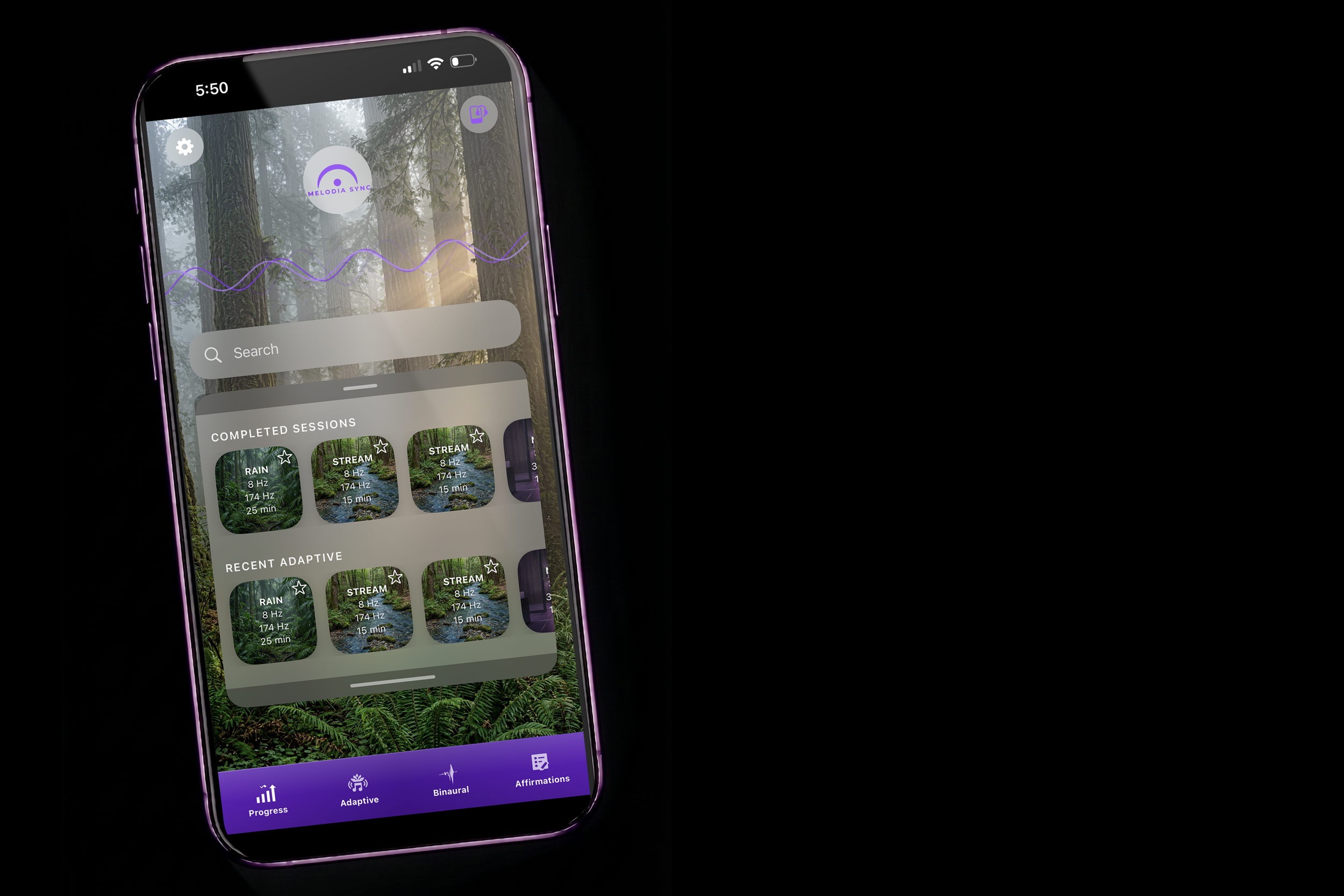
NOW AVAILABLE
Your brain is working overtime.
Give it a real way to recover.
MelodiaSync® reads your brainwaves in real time and adapts the audio to guide your mind toward the state you want — calm, focused, or restored. Most users reach that state in 7 minutes or less.
Free 7-day trial included. Cancel anytime.

HARDWARE
What you'll need to get started.
The app works with one required headset and a few optional accessories we've tested and recommend for the best experience.
Required
NeuroSky MindWave Mobile 2 — EEG Headset
Required for adaptive, personalized sessions. Reads your brainwave activity in real time and sends data to the app via Bluetooth.
Eneloop Panasonic AAA Ni-MH Rechargeable Batteries
Tested across multiple options — our top pick for reliable, consistent performance across daily sessions.
Recommended
Bone Conduction Headphones
Keep your ears free during sessions while still receiving the audio. Any earbuds or headphones work for audio output — bone conduction is simply a comfortable alternative.
Optional
Panasonic Battery Charger
Monitor charge levels and quickly recharge batteries between sessions. Pairs with the Eneloop batteries above.
Optional
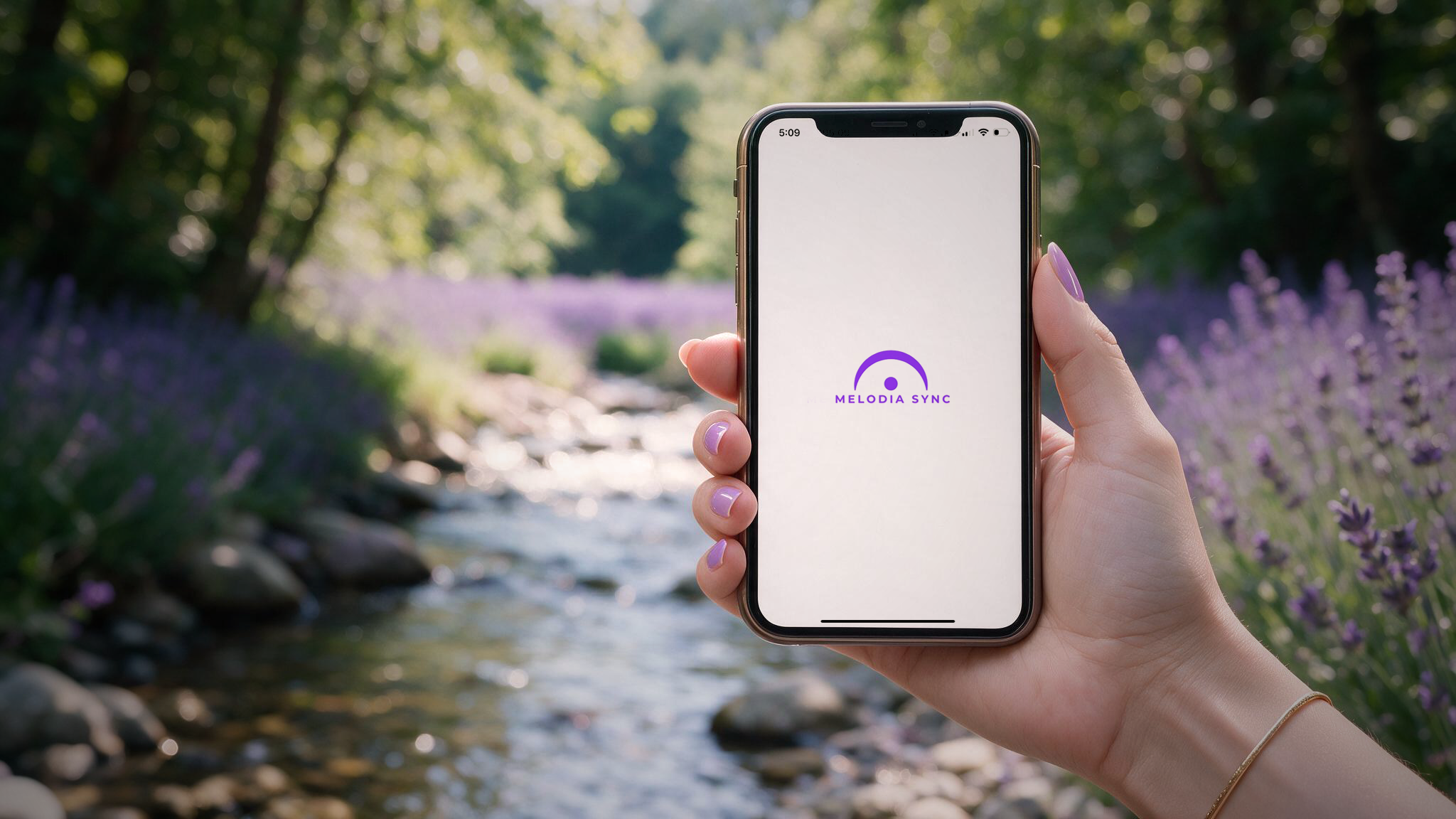
Three steps to your first session.
GETTING STARTED
Download the App
Available now on iOS and Android. Download from the App Store or Google Play and create your free account to start your 7-day trial immediately.
Get the Headset
The NeuroSky MindWave Mobile 2 EEG headset pairs with MelodiaSync for personalized, adaptive sessions. No headset yet? You can still explore the app's built-in binaural beats generator while you wait.
Select your goal
Choose relaxation, focus, or sleep and begin your personalized session.
Setup Tips
-
Headset Position
Place the sensor arm firmly against your forehead — not your hairline — for a reliable signal. A poor connection is the most common cause of inconsistent sessions.
-
Battery Check
Make sure batteries are fully charged or fresh before your first session. Low battery is the second most common cause of signal dropouts.
-
Bluetooth Pairing
Pair the headset to your device via Bluetooth before opening the app. The app will detect it automatically once paired.
-
No Headset Yet?
You can still use MelodiaSync's built-in binaural beats generator without an EEG headset. A great way to explore the app while your hardware is on the way.
Watch before your first session.
See How It Works
This short video walks you through setting up your headset, pairing it with the app, and completing your first session from start to finish.
Find Your Sync Routine
5 questions. A personalized starting point for your sessions.
DOWNLOAD NOW
Your first session is free.
Your brain will notice.
Start your 7-day free trial today. No commitment required.